Never press the Lane Assist button every time you start your vehicle again.
From the factory, your Next Gen Ranger, Ranger Raptor or Everest automatically re-enables Lane Assist every time the ignition is cycled. Our Lane Assist Remember Last Setting Programmer changes this behaviour, allowing your vehicle to remember the last setting you selected.
No complicated software like Forscan. No laptop. No dealership visit.
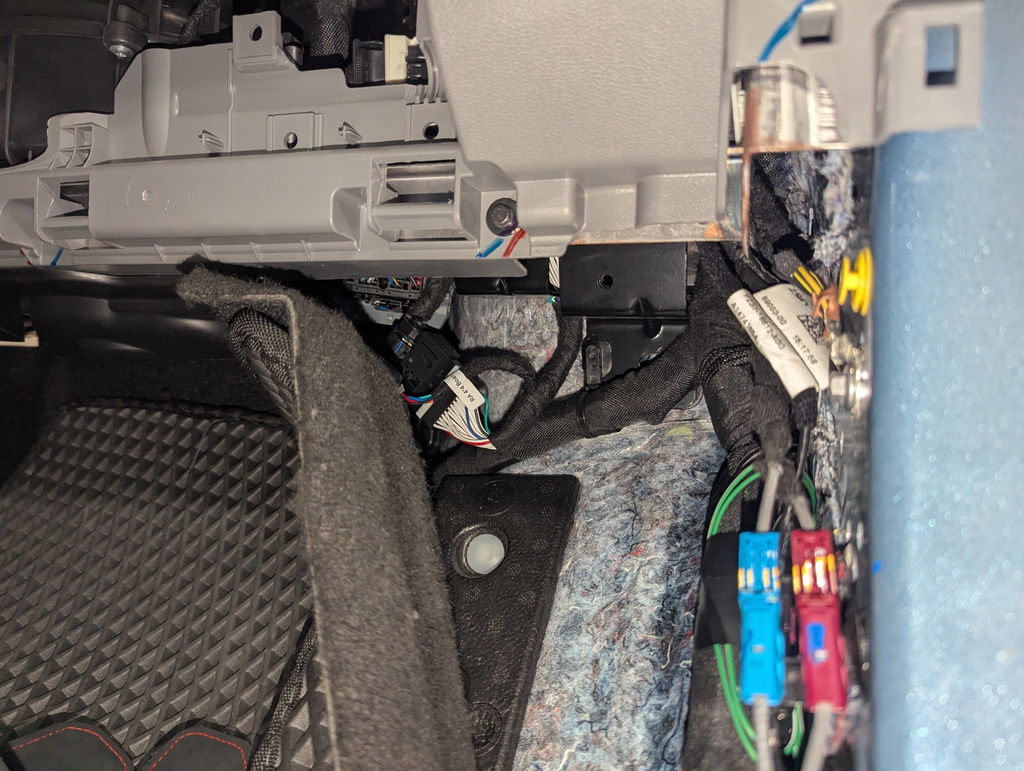
Simply plug our programmer into your NextGen Ranger, Raptor or Everest OBD-II port and let it do the rest.
How It Works
Programming your vehicle couldn't be easier.
- Turn the ignition ON.
- Plug our Programmer into the vehicle's OBD-II port.
- Wait for the LED indicator to turn solid green.
- Remove the programmer.
That's it.
Your vehicle has now been programmed to remember your preferred Lane Assist setting after every ignition cycle.
Restore Back to Factory
Simply plug the programmer back into the same vehicle.
The programmer will automatically restore your vehicle back to the configuration it recorded before making any changes.
No complicated menus.
No guesswork.
Your original configuration is stored inside the programmer.
Every Programmer automatically locks itself to the first vehicle it is plugged into.
This ensures:
- One programmer per vehicle
- Your original factory settings are securely stored
- Safe restoration back to factory at any time
- Protection against accidental programming of another vehicle
Once paired, the programmer will only operate with that vehicle.
2024.5+ Model Information
Ford updated the software on some MY24.5 and newer vehicles so that activating Cruise Control automatically enables Lane Assist.
Your vehicle will still remember its previous Lane Assist setting after each ignition cycle. However, if Cruise Control is used, Ford's software will automatically switch Lane Assist back on. This behaviour is controlled by Ford and cannot currently be changed.
Vehicle Compatibility
Compatible with:
- Ford Next Gen Ranger
- Ford Ranger Raptor
- Ford Everest
Model Years:
- 2022+
- 2023+
- 2024+
- 2025+
- 2026+